DMARC report intake
Scheduled aggregate report imports, backfills, duplicate protection, import history, and safe credential updates.
Self-hosted DMARC report analysis
Understand DMARC reports. Find failures. Fix them safely.
Import aggregate reports, identify every sending service, and turn SPF, DKIM, and DMARC alignment failures into prioritized remediation.
DMARC report analysis
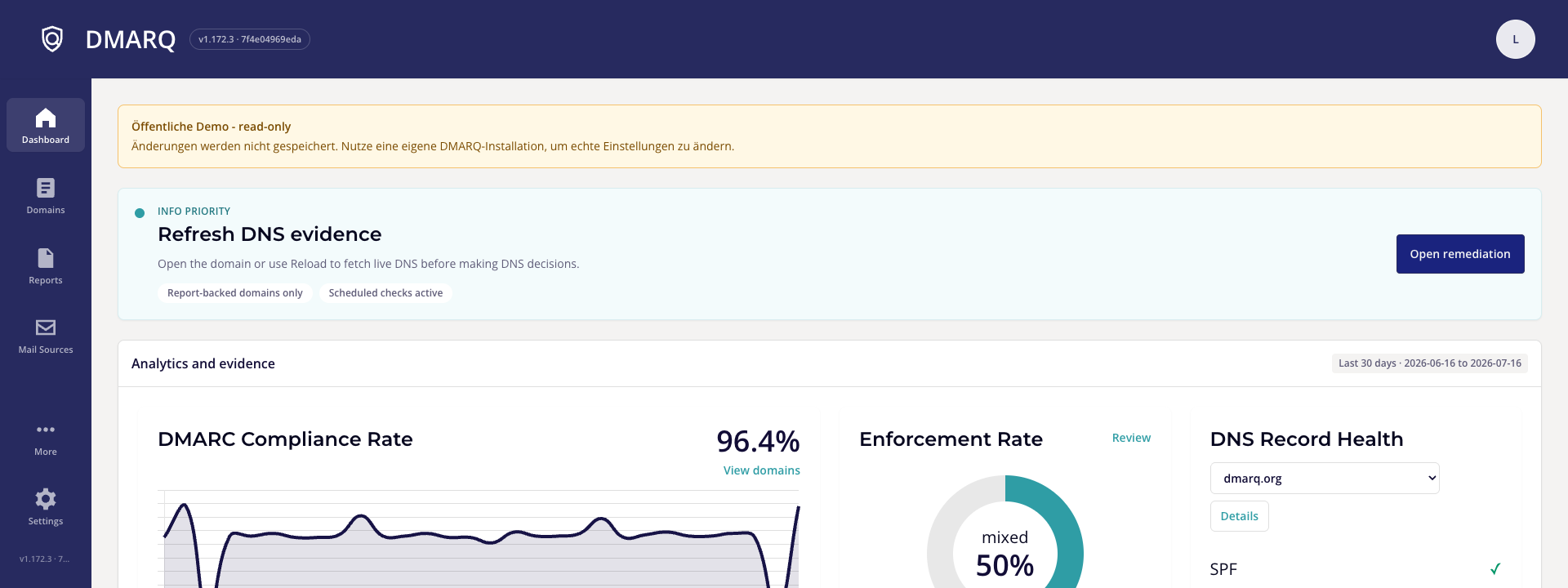
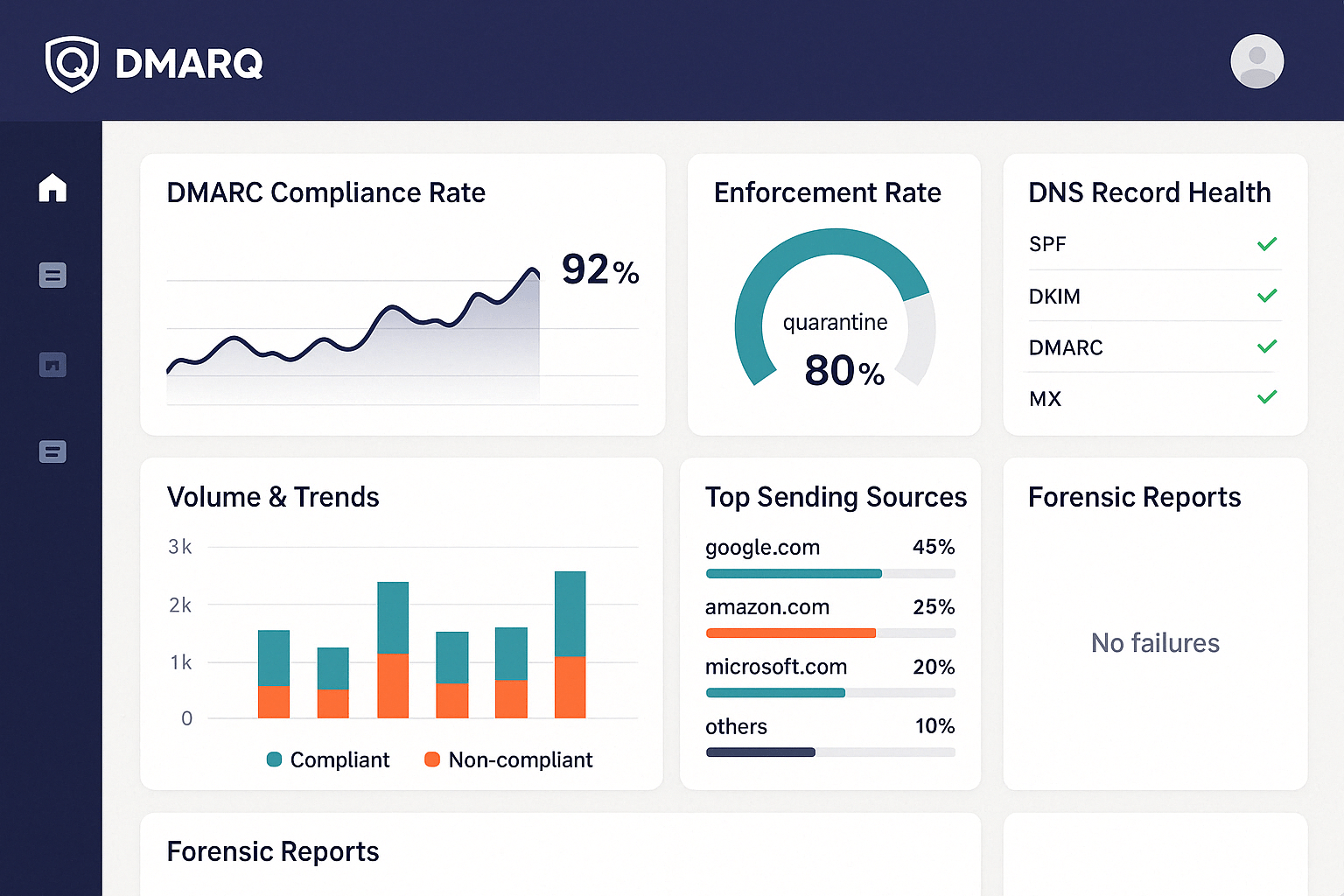
Track authentication and alignment by domain, message volume, receiver, and sending source. Start with the failure that needs attention, then open the underlying evidence.
From DMARC XML to action
DMARQ keeps the original report evidence available while guiding operators from intake to the next useful decision.
Collect aggregate XML from Gmail, Microsoft 365, IMAP, uploaded XML or ZIP files, and supported webhook paths.
Group reports by domain and sending source, then inspect DMARC, SPF, and DKIM alignment with network, DNS, and history evidence.
Review the prioritized finding, inspect exact DNS changes, and apply supported changes only after explicit approval.
Report evidence
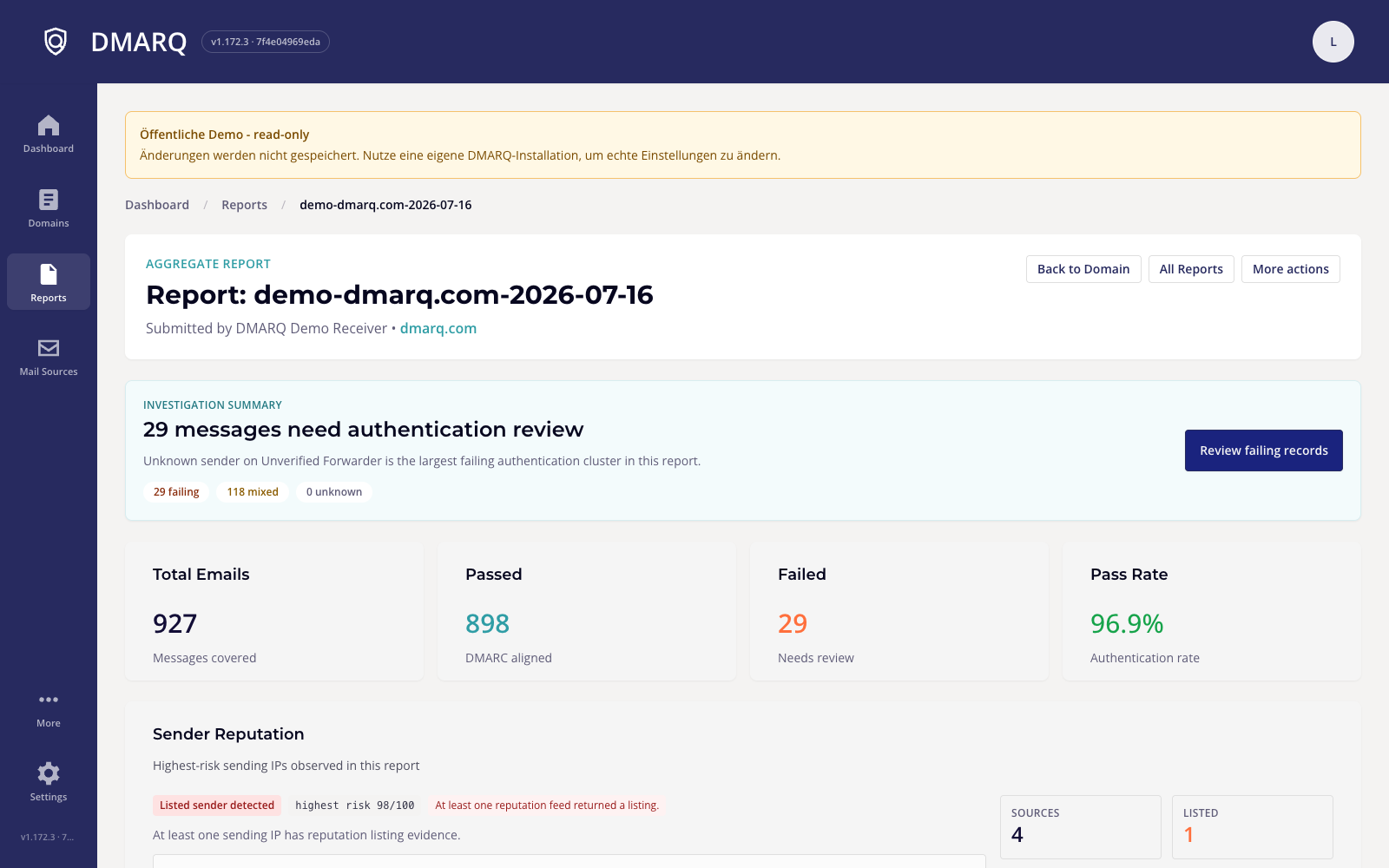
Open an aggregate report to see which messages passed, which failed, and which sending source needs investigation before policy enforcement.
Built for real operations
Scheduled aggregate report imports, backfills, duplicate protection, import history, and safe credential updates.
Provider detection, alignment evidence, activity windows, network context, and reputation signals.
Lint records, preview exact changes, verify ownership, and keep provider writes approval-gated.
Traffic-weighted grades, DMARC compliance trends, failure volume, evidence history, and clear follow-up.
Redacted failure reports, SMTP TLS reports, MTA-STS, and passive DANE/TLSA guidance.
Single-user Docker installs, authenticated Kubernetes deployments, and provider-managed tenants.
Why DMARQ
Inspect DMARC reports, senders, DNS evidence, and history in your own environment. Your aggregate report data does not need to pass through a hosted DMARQ service.
Turn DMARC aggregate XML into prioritized authentication findings and repair plans while retaining the source detail behind every recommendation.
Start with the next useful action, then reveal live insights and technical depth progressively when the decision needs them.
Run the tested Docker image or deploy to Kubernetes, with documented configuration, release health, and operator-controlled integrations.
Start self-hosted
Bootstrap the environment, pull the tested release channel, and finish setup in the browser.
git clone https://github.com/christianlouis/dmarq.git
cd dmarq
./scripts/bootstrap-docker-env.sh
docker compose pull
docker compose up -d --wait
Open http://localhost:8080
Try before you install
The main demo is a read-only, single-user installation with seeded reports and domains. A separate provider demo covers tenant and billing operations.